


When troubleshooting emails the headers are crucial to sorting out problems. Here is how to get them in Outlook 2007, 2010 and 2013.
- Double Click the email in your inbox
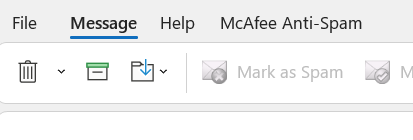
- Click File
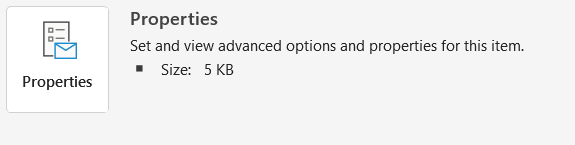
- Click Properties
- Look to the bottom of the window for a section labeled Internet Headers
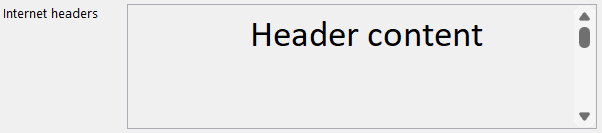
- Click in the box and press CTRL + A on your keyboard
- Right click the highlighted text and click Copy
- Now you can paste those into a Ticket for us to process.